YOUR COMPANY SHOWROOM
A product portfolio your customers can explore.
Give customers a clear view of your packaging. Bring selected saved designs into a branded collection they can rotate, inspect and enquire about.
By Toprint Packaging Sdn Bhd · Kajang, Selangor
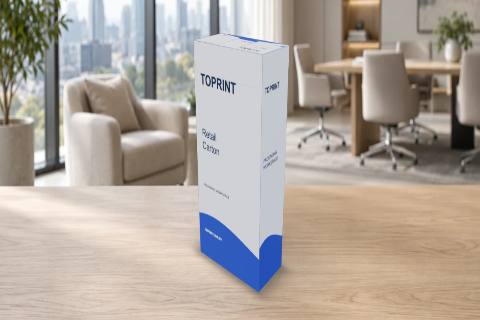
Your own collection and unique link
Create a company showroom in the signed-in workspace, choose which saved products to publish and enable the link when ready. A showroom starts offline. Private designs do not become public simply because you save them.
Present the product, not just a picture
Supported models let customers rotate the box, look closer and inspect opening or unfolding controls. Each product uses a published copy of the saved artwork revision. Later design edits remain private until you publish an updated copy.
Make the portfolio your own
Add a company logo and cover image, group products into categories and choose a public enquiry email. Customers can search the collection and open a product enquiry. These presentation details are public to anyone with the enabled showroom link.
Stay in control of sharing
Hide individual products, take the showroom offline or replace its link. Costs, quotations and production notes are excluded from the published product view. Share the link with the customers you intend to reach.
Questions before you start
Does editing a saved design change the public product?
No. Publish an updated product when the saved revision is ready to share. The existing public snapshot stays separate.
Can every box style open and unfold?
Controls depend on the selected structure. Saved interactive models and original reference-only keylines are identified separately; a digital preview does not confirm physical fit.
Take the next step with your packaging.
Explore the demo, or sign in to work with your company’s designs, quotations and jobs.
Related guides: 3D design · PDF to 3D · Costing & workflow