PDF ARTWORK · CUT LINES · FOLD LINES
Turn a supported carton dieline into a clearer 3D review.
The PDF-to-3D tool reads supported carton geometry and places artwork on the model. Start with the original vector dieline so cutting paths and fold lines can be distinguished from printed graphics.
By Toprint Packaging Sdn Bhd · Kajang, Selangor
Which PDF dielines can be detected?
Automatic detection supports a single complete straight-tuck or reverse-tuck carton with recognisable vector cutting and creasing geometry. Identifiable red or magenta cutting paths and dashed or blue/cyan fold lines help the supported detector. Unsupported shapes, incomplete paths, multiple cartons or ambiguous geometry require review instead of a guessed result.
Prepare and review the file
Use the source vector PDF rather than a photograph or flattened screenshot. Choose the correct page, inspect the detected dimensions and check artwork orientation on every panel. Review the top and bottom opening, glue seam, lids and dust flaps. Keep the original PDF as the reference when a model cannot represent a detail.
What happens to my selected PDF?
This preview processes the selected PDF locally in your browser; selecting a file here does not upload it or save it to a company workspace. The tool accepts PDFs up to 10 MB and 100 pages. Saving artwork elsewhere is a separate action.
What does the preview not approve?
Automatic detection is limited to supported dieline topology. It is not a general converter for every carton, pouch, mailer or custom cutting die. A successful preview does not approve dimensions, bleed, colour, material or manufacturing tolerances. Have the production artwork and physical structure reviewed before ordering.
Questions before you start
Can a scanned PDF be automatically folded into a carton?
A scanned or flattened image may not contain the vector cut and fold information required for automatic detection. Use an original supported vector dieline, or review the file manually.
Is the uploaded artwork used as a public example?
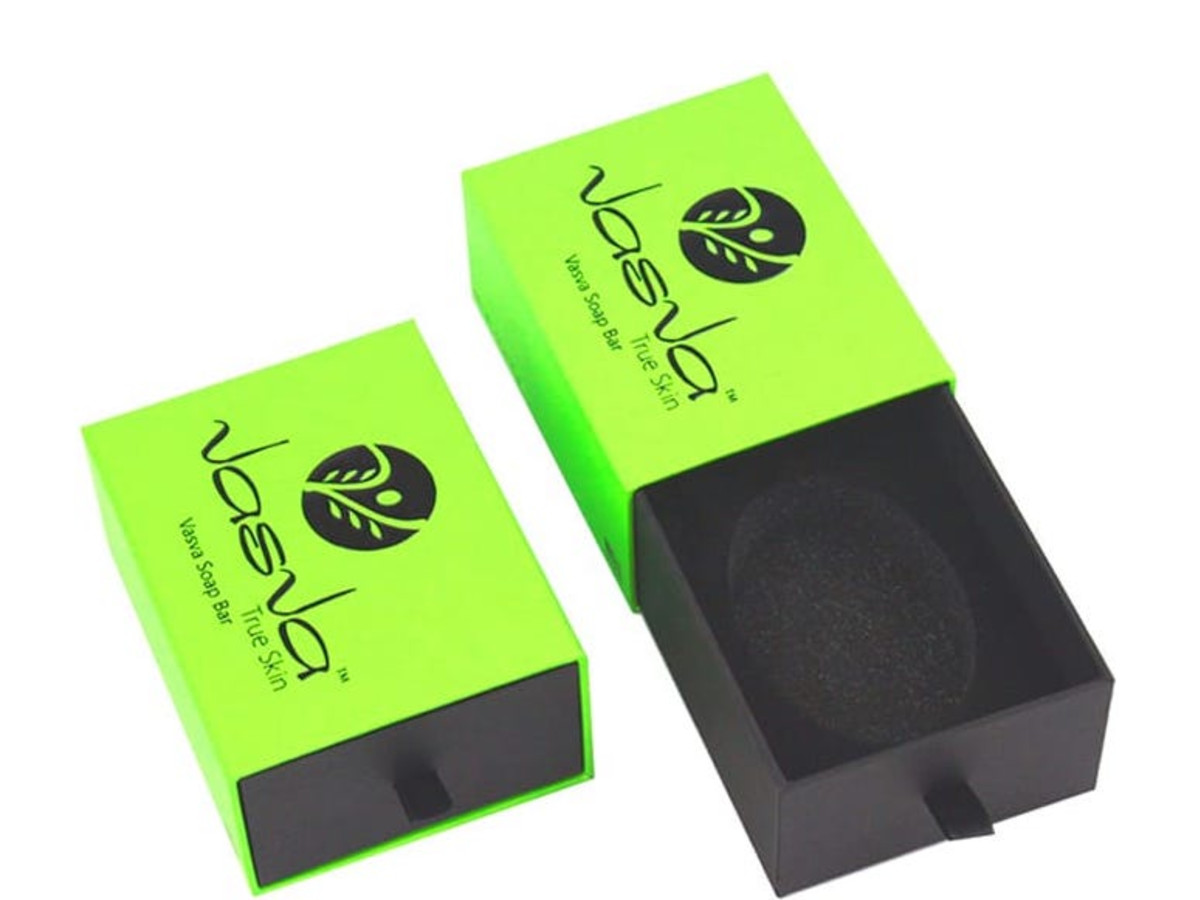
Selecting a PDF in this browser-local preview does not upload it. These public pages use existing Toprint presentation images, not a customer’s selected PDF.
Take the next step with your packaging.
Explore the demo, or sign in to work with your company’s designs, quotations and jobs.
Related guides: 3D design · Costing & workflow