ARTWORK REVIEW & APPROVALS
Approve the right artwork revision.
Keep the review tied to a specific design revision. Give your customer the flat artwork and matching 3D view in one focused review page.
By Toprint Packaging Sdn Bhd · Kajang, Selangor
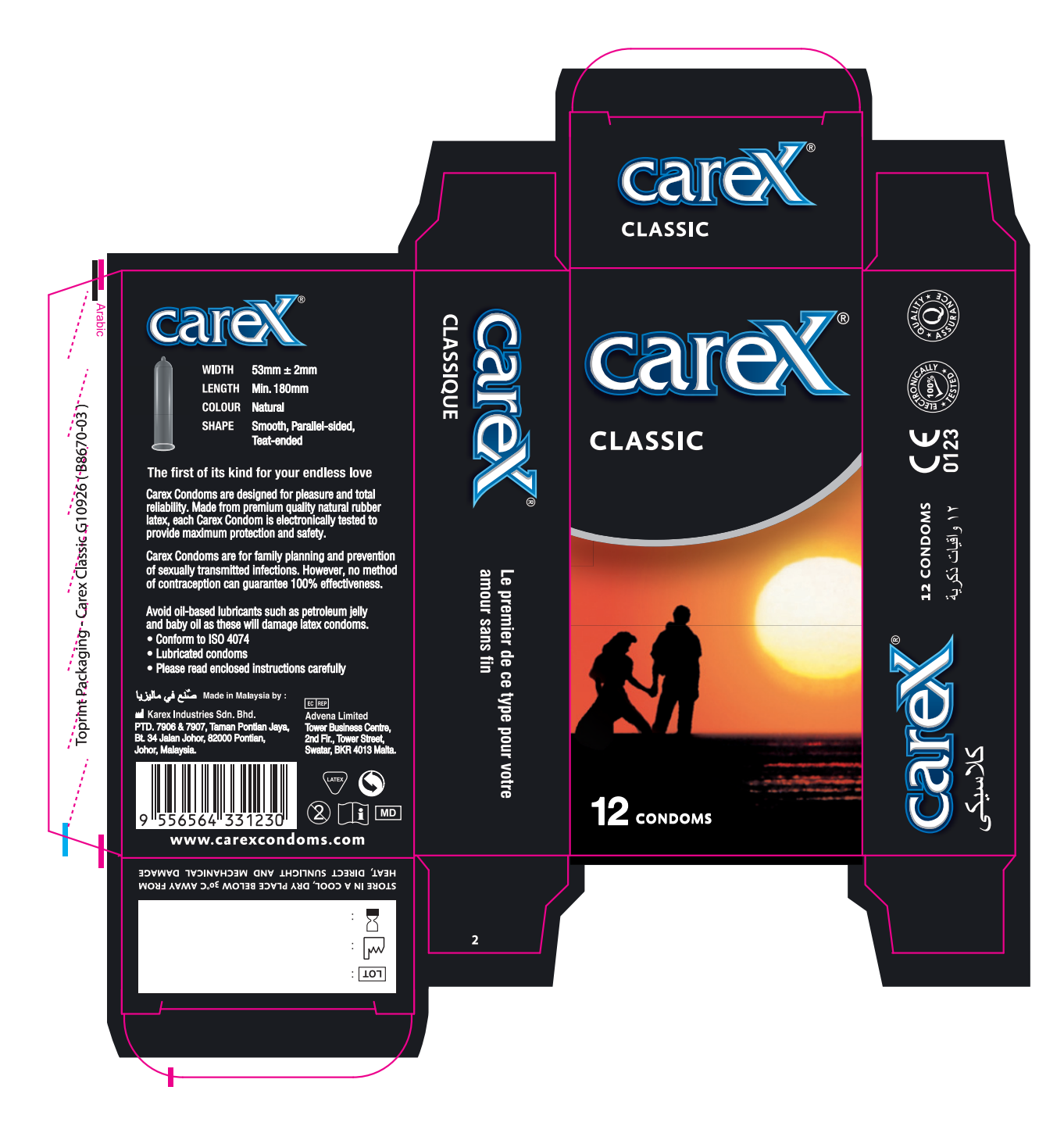
Start from a saved revision
Save your design, open Approvals and choose the artwork to review. The portal creates a separate fixed copy for that review. Edits made afterwards do not change what the customer was asked to review.
Let customers inspect the artwork
The customer page switches between flat artwork and the supported 3D box. Customers can inspect text and panels and use the opening or unfold controls available for that structure. Screen colours and digital fit still require physical confirmation.
Keep the response with the revision
A customer enters a name and comments, then approves that revision or requests changes. The review records one final response. For a further round, save the revised design and create a new review link. The entered name is a response record, not independent identity verification.
Manage the review link
Links expire after seven days. Pending links can be revoked from the company workspace. Anyone with the link can respond, so share it only with the intended customer. Creating a review link does not send an email automatically.
Questions before you start
Can a customer change their response?
A final response cannot be overwritten through that link. Ask the company to create a new review for the next decision.
Is artwork approval a manufacturing release?
It records the customer’s response to that artwork revision. Material, fit, colour and production release still need the appropriate review.
Take the next step with your packaging.
Explore the demo, or sign in to work with your company’s designs, quotations and jobs.
Related guides: 3D design · PDF to 3D · Costing & workflow