GETTING STARTED
Your first packaging project, step by step.
Start with a prepared example, then move to your company’s own artwork and costs. The dashboard guide gives each stage a clear place.
By Toprint Packaging Sdn Bhd · Kajang, Selangor
Explore before signing up
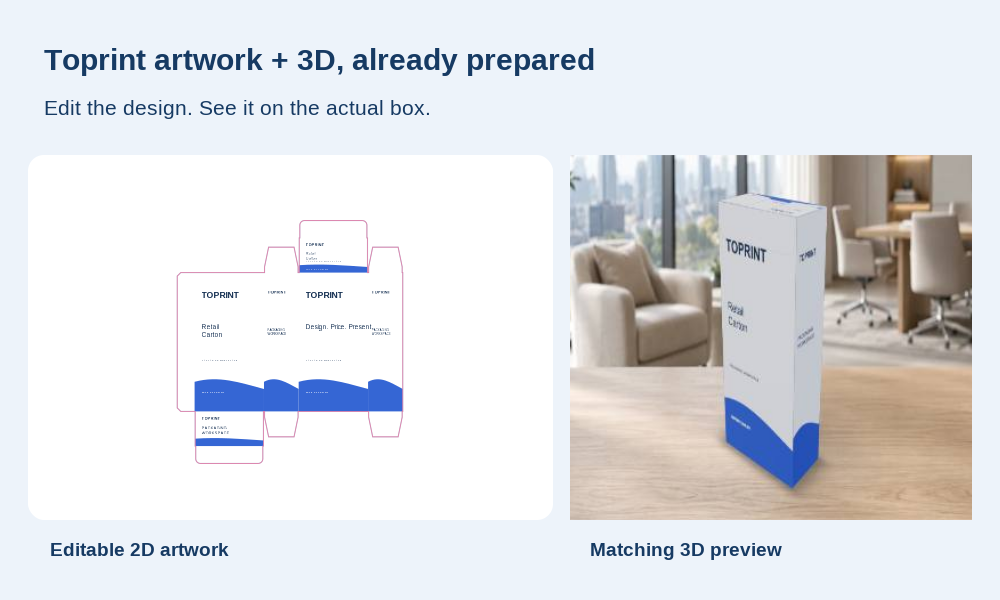
Try the prepared artwork, costing and 3D showroom demos without signing in. Public demo prices are illustrative. The artwork demo lets you carry a prepared draft into the same browser session before saving it in your company workspace.
Set up your company
Start the 14-day trial and complete email verification. Add your company details and logo for document exports. Company administrators maintain costing settings and public showroom presentation.
Prepare a real box design
Choose the saved keyline revision that fits the job. Review its dimensions, original reference and model availability. Edit a prepared artwork template, check the panels and flaps and run the artwork health check before export.
Quote, review and deliver
Use your company’s rates to compare quantities and prepare a quotation. Save the artwork and create a customer review link when ready. Prepare the item jobsheet, record delivery updates and review costs after the job. Each save, issue and publication action remains under your control.
Questions before you start
Do demos create company records?
No. Public demos use prepared examples. Your company workspace saves work only when you choose the relevant action.
Where should I begin after signing in?
Use the Your first project guide on the dashboard. It links to company identity, artwork, costing, approvals and production.
Take the next step with your packaging.
Explore the demo, or sign in to work with your company’s designs, quotations and jobs.
Related guides: 3D design · PDF to 3D · Costing & workflow